
About AI Video Maker
What is AI Video Maker?
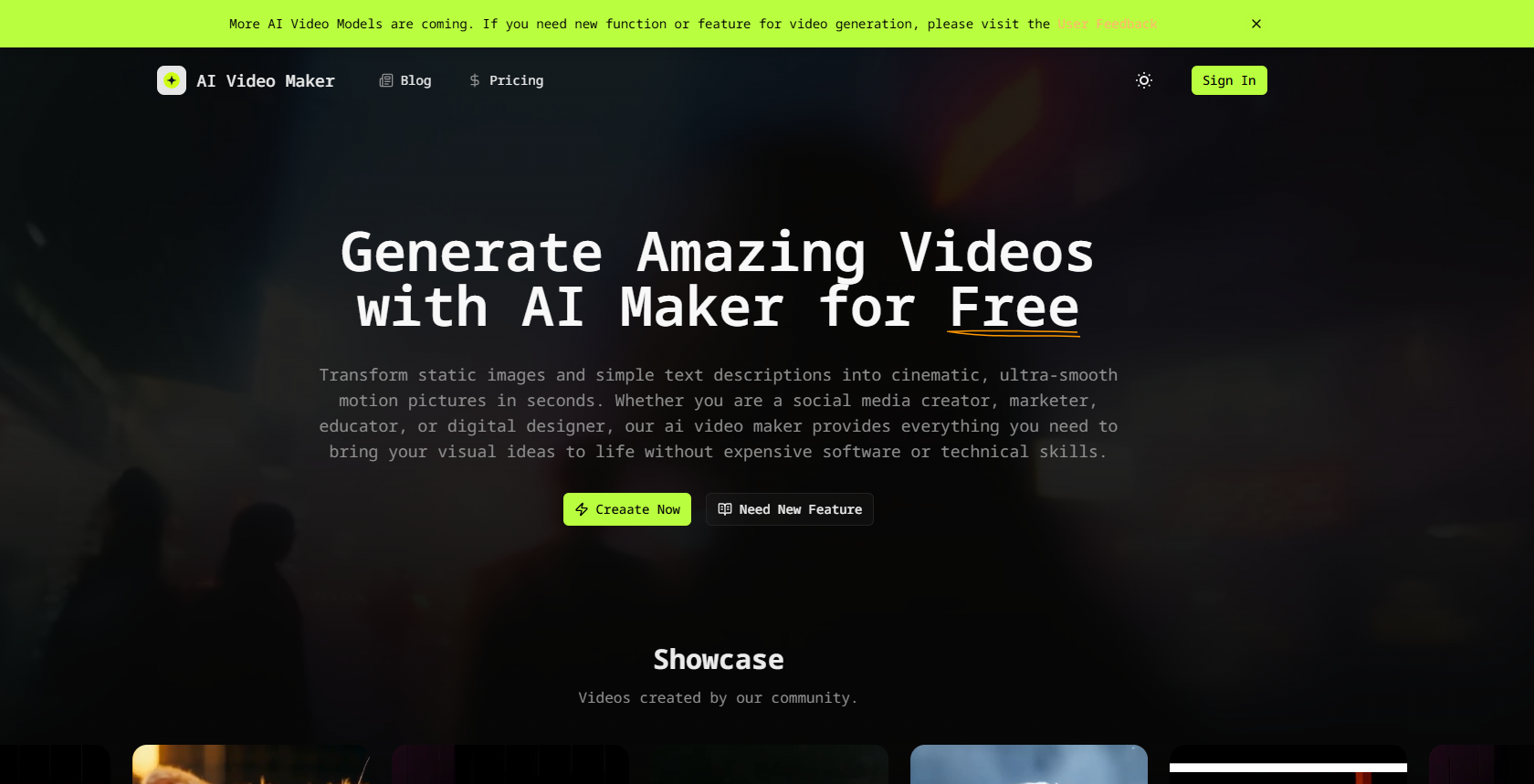
An AI video maker is an advanced artificial intelligence tool designed to generate photorealistic or stylized motion clips from user-provided inputs. By leveraging cutting-edge deep learning architectures—similar to industry benchmarks like Sora, Runway, Kling, Seedance, and HeyGen—this AI video maker interprets your visual images and text prompts to render high-definition videos instantly.
Unlike traditional video editing workflows that require hours of footage trimming, keyframing, and timeline rendering, the AI video maker handles complex video generation automatically. With an intuitive interface built for creators of all levels, it bridges the gap between raw imaginative ideas and studio-quality video assets. Key features include:
Quick creation of videos based on user inputs.
Automatic handling of complex video generation tasks.
Integration with the latest AI video generation models.
AI Video Maker Features
An AI video maker is an advanced artificial intelligence tool designed to generate photorealistic or stylized motion clips from user-provided inputs. By leveraging cutting-edge deep learning architectures, this tool interprets visual images and text prompts to render high-definition videos instantly. Unlike traditional video editing workflows that require hours of footage trimming, keyframing, and timeline rendering, the AI video maker handles complex video generation automatically, making it accessible for creators of all levels.
The software analyzes uploaded image frame structures, predicts realistic motion physics, and generates consistent camera pans, lighting adjustments, and character movements based on explicit instructions. Additionally, users can integrate the latest AI video generation models into their projects with ease, including popular tools like Seedance, Kling, Veo, and Runway.
Photorealistic or stylized video generation
Automatic handling of complex video creation
Intuitive interface for all skill levels
Realistic motion physics and camera movements
Integration with the latest AI video models
Why AI Video Maker?
Using an AI Video Maker offers numerous benefits that can significantly enhance your content creation process. This advanced tool allows creators to generate high-quality videos quickly and efficiently, making it an essential asset for scaling your digital brand. With industry-leading multi-model technology, users can access a variety of advanced generation engines without the hassle of managing multiple subscriptions or complex API keys.
Industry-Leading Multi-Model Technology: Access to top-tier models like Veo, Runway, Kling, and Seedance.
Complete Creative Control: Tailor your videos to match your vision effortlessly.
Faster Production Speed: Generate stunning videos in just a few simple steps.
Zero Costs: Eliminate the need for expensive video editing software and subscriptions.
Moreover, the AI Video Maker simplifies the video creation process with an intuitive interface, allowing users of all skill levels to produce studio-quality videos from their imaginative ideas. This ease of use, combined with the ability to create customizable videos efficiently, makes the AI Video Maker a valuable tool for anyone looking to elevate their video content.
How to Use AI Video Maker
To get started with the AI Video Maker, follow these simple steps to create your first video. First, upload a high-resolution base image into the AI video maker workspace. This image will serve as the initial anchor frame for your video synthesis. Next, write a detailed text prompt in the prompt box, describing exactly what you want to happen inside the frame. This could include character movements, lighting changes, or environmental actions. Finally, configure the motion and advanced settings to tailor the output parameters such as duration and video fluidity.
Once you have set everything up, click the generate button and let the AI video maker process your inputs. Within moments, your customized high-definition video will be fully rendered and ready for download or direct social sharing. This intuitive interface is designed for creators of all levels, making it easy to bridge the gap between raw imaginative ideas and studio-quality video.
Upload a high-resolution base image.
Write a detailed text prompt for desired actions.
Configure motion and advanced settings.
Click generate to create and download your video.
Ready to see what AI Video Maker can do for you?and experience the benefits firsthand.
Key Features
How to Use
Visit the Website
Navigate to the tool's official website.
Pros & Cons
What's good
What's not good
Pricing
- Without payment, totally free
- Not need account
- Not need your credit card info
- Available only for Seedance 2 Mini
- Resolution is limited to 480p
- 3000 credits, valid for 1 month
- Support Seedance 2.0, 480P: 29 credits/s
- Support Seedance 2.0, 720P: 62 credits/s
- Support Seedance 2.0, 1080P: 153 credits/s
- High priority in queue
- 10000 credits, valid for 1 year
- Support Modles in Starter Plan
- Support Seedance 2.5, 480P: 42 credits/s
- Support Seedance 2.5, 720P: 95 credits/s
- Priority Technical Support
- 20000 credits, valid for 1 month
- Support Seedance 2.0, 480P: 29 credits/s
- Support Seedance 2.0, 720P: 62 credits/s
- Support Seedance 2.0, 1080P: 153 credits/s
- High priority in queue