
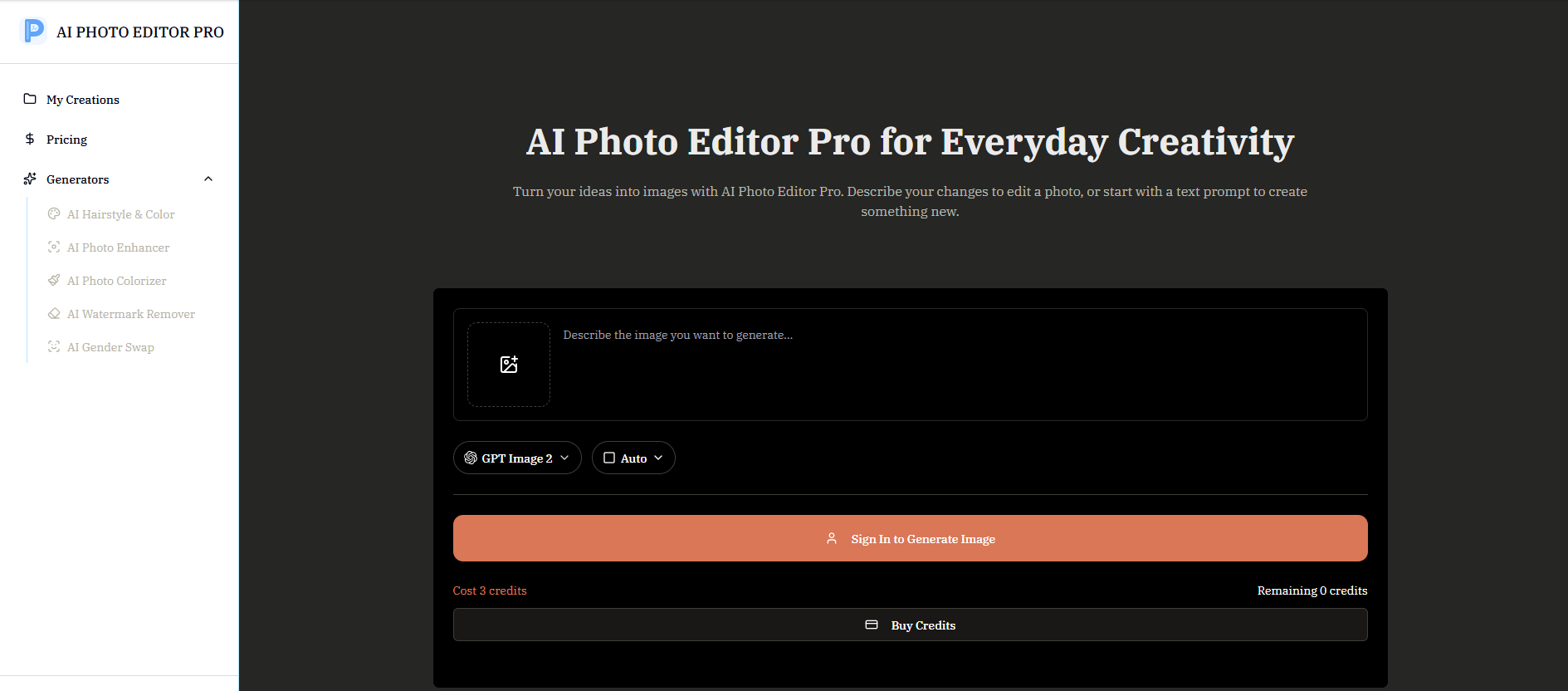
About AI Photo Editor Pro
What is AI Photo Editor Pro?
AI Photo Editor Pro is an innovative tool that allows users to edit, enhance, and transform their photos using artificial intelligence. By utilizing natural-language prompts, users can easily make significant changes to their images, such as altering backgrounds, retouching portraits, and restoring old photos. This user-friendly approach eliminates the need for complex editing skills, making photo editing accessible to everyone.
With AI Photo Editor Pro, you can enjoy a range of features that streamline the editing process:
Remove unwanted objects from images effortlessly.
Replace backgrounds with just a simple description.
Retouch portraits to achieve a polished look.
Adjust styles and create variations without manual adjustments.
Generate new images based on user-defined prompts.
AI Photo Editor Pro Features
AI Photo Editor Pro is a powerful tool that allows users to edit, enhance, and transform photos using natural-language prompts. This innovative approach enables users to make changes such as background alterations, portrait edits, and image restoration without the need for complex editing skills. By simply describing the desired outcome, users can achieve polished results effortlessly.
The key features and capabilities of AI Photo Editor Pro include:
Natural-language editing for intuitive photo modifications.
Ability to remove objects and replace backgrounds seamlessly.
Retouching portraits and adjusting styles with ease.
Control over aspect ratio and resolution in a single workspace.
Access to various AI models for diverse editing needs.
Why AI Photo Editor Pro?
AI Photo Editor Pro offers a user-friendly solution for anyone looking to enhance their images without the need for complex editing skills. By utilizing natural-language prompts, users can easily describe the changes they want, such as removing objects, replacing backgrounds, or retouching portraits. This innovative approach allows for quick adjustments and polished variations, making it ideal for marketers, social creators, and everyday users alike.
The value proposition of AI Photo Editor Pro lies in its ability to streamline the photo editing process, saving time and effort while delivering professional-quality results. Users can generate instant variations, explore different styles, and maintain consistency across their visual content. Key benefits include:
Easy-to-use interface that requires no prior editing experience.
Quick generation of variations to test different creative ideas.
Ability to adapt images for various platforms and formats seamlessly.
Enhanced productivity for marketers and content creators.
How to Use AI Photo Editor Pro
Getting started with AI Photo Editor Pro is simple and intuitive. Follow these four easy steps to create stunning images from your photos. First, upload a clear photo from your device, ensuring good lighting and a suitable aspect ratio for the best results. This provides a strong foundation for the AI to work with.
Next, describe the changes you want to make in a focused prompt. Be specific about the subject, style, colors, and composition you desire, while keeping the request clear and straightforward. After that, adjust the settings such as aspect ratio and output count to tailor the final image to your preferences. Finally, generate your finished image and enjoy the results!
Step 1: Upload Your Photo
Step 2: Describe Your Changes
Step 3: Adjust the Settings
Step 4: Generate Your Finished Image
Ready to see what AI Photo Editor Pro can do for you?and experience the benefits firsthand.
Key Features
How to Use
Visit the Website
Navigate to the tool's official website.
Pros & Cons
What's good
What's not good
Pricing
- All models available
- All resolutions unlocked
- Up to about 100 images
- Credits reset monthly
- All models available
- All resolutions unlocked
- Up to about 333 images
- Credits reset monthly
- All models available
- All resolutions unlocked
- Up to about 1,000 images
- Credits reset monthly
- Save about 20% vs monthly
- All models available
- All resolutions unlocked
- Up to about 12,000 images per year
- Credits reset monthly
- Save about 20% vs monthly
- All models available
- All resolutions unlocked
- Up to about 36,000 images per year
- Credits reset monthly
- All models available
- All resolutions unlocked
- Up to about 80 images
- One-time payment, no subscription
- Buy again anytime