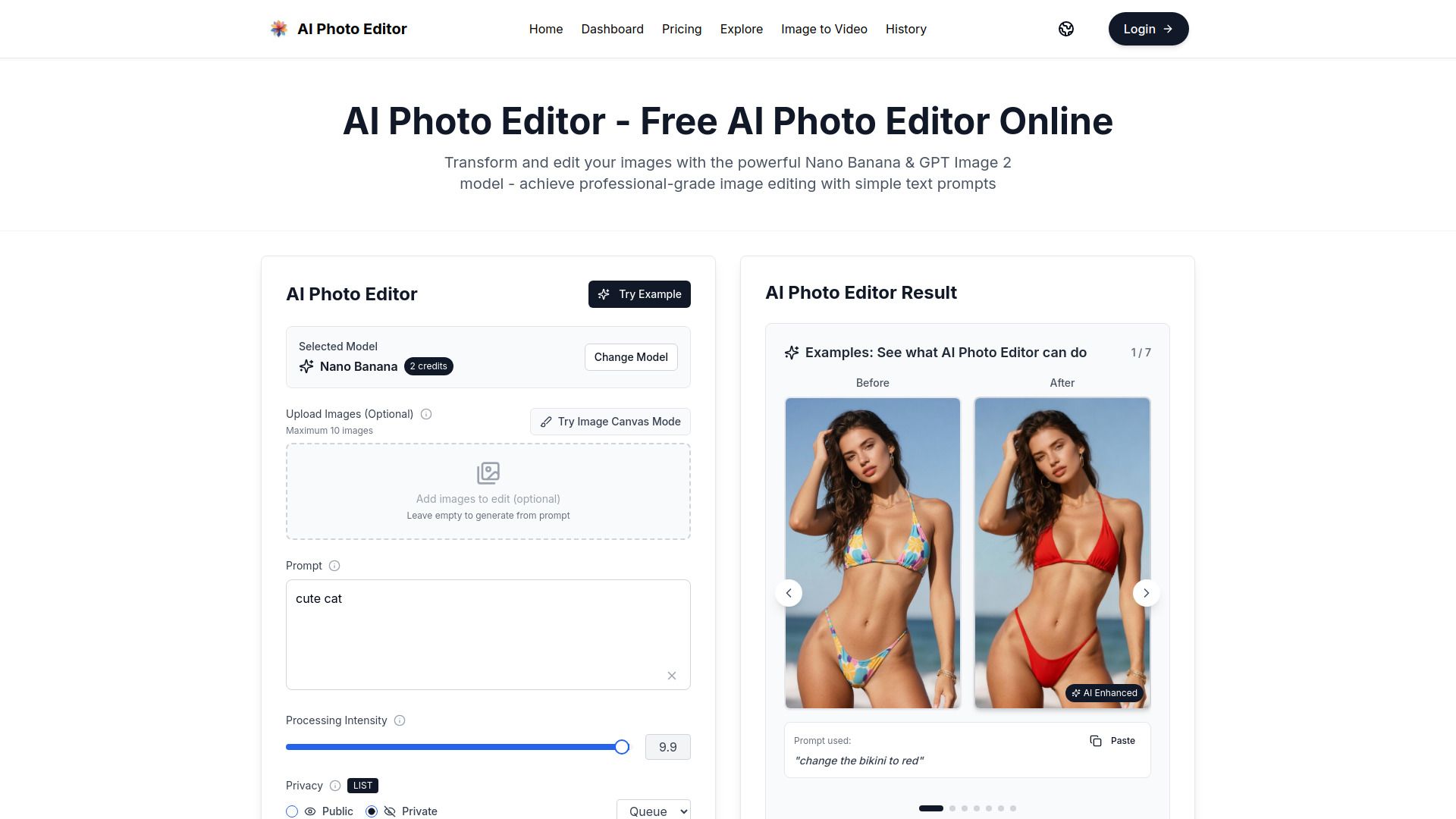
About AI Photo Editor - 2
What is AI Photo Editor - 2?
Experience Google's revolutionary AI Photo Editor (Gemini 2.5 Flash Image) for advanced image generation and editing. This innovative tool allows users to create, blend, and enhance images using state-of-the-art AI technology in Google AI Studio, making professional image editing simple and accessible.
With AI Photo Editor - 2, users can enjoy a range of features designed to elevate their creative projects:
Advanced image generation capabilities
Seamless blending of images
Enhanced editing tools for professional results
User-friendly interface for easy navigation
AI Photo Editor - 2 Features
AI Photo Editor - 2, also known as Gemini 2.5 Flash Image, offers advanced image generation and editing capabilities. Utilizing state-of-the-art AI technology within Google AI Studio, it simplifies professional image editing, making it accessible to users of all skill levels.
With AI Photo Editor - 2, users can create, blend, and enhance images effortlessly. The software is designed to provide a seamless editing experience, allowing for a variety of creative possibilities.
Advanced image generation and editing
Easy blending and enhancement of images
Utilizes state-of-the-art AI technology
Professional editing made simple
Why AI Photo Editor - 2?
AI Photo Editor - 2 offers a unique value proposition that combines speed, accuracy, and ease of use, making it an ideal choice for creators. With a remarkable 95% first-try success rate and the ability to generate professional images in under one second, users can achieve high-quality results without the need for complex prompts. This efficiency is particularly beneficial for those who require quick turnaround times for their projects.
Additionally, AI Photo Editor - 2 ensures character consistency across multiple generations, which is essential for creating AI influencers or brand mascots. The advanced facial reconstruction technology maintains identity with photorealistic accuracy, allowing for seamless storytelling with recurring characters. Furthermore, the platform is backed by enterprise-grade security certifications, ensuring that users' creative content and data are protected.
95% first-try success rate with natural language editing
Generates images in under 1 second, 10x faster than traditional models
Maintains character consistency for AI influencers and brand mascots
Advanced facial reconstruction for photorealistic accuracy
SOC 2, GDPR, and ISO 27001 certified for enterprise security
No credit card required to start creating immediately
How to Use AI Photo Editor - 2
Getting started with the AI Photo Editor (Gemini 2.5 Flash Image) is simple and intuitive. To begin, visit the official website and create an account. Once logged in, you can explore the various features designed for advanced image generation and editing. The user-friendly interface allows you to easily navigate through the tools available for creating, blending, and enhancing your images.
Here are some key features to help you get started:
Advanced image generation using state-of-the-art AI technology.
Tools for blending and enhancing images seamlessly.
Professional-grade editing capabilities made simple for all users.
Secure and private environment for your creative content.
Ready to see what AI Photo Editor - 2 can do for you?and experience the benefits firsthand.
Key Features
How to Use
Visit the Website
Navigate to the tool's official website.
Pros & Cons
What's good
What's not good
Pricing
- 100 credits per month
- 50 high-quality images/month
- Standard generation speed
- Basic customer support
- PNG format downloads
- 500 credits per month
- 250 high-quality images/month
- Priority generation queue
- Priority customer support
- PNG format downloads
- 2000 credits per month
- 1000 high-quality images/month
- Fastest generation speed
- Dedicated account manager
- All format downloads
- All AI Models Access
- 2000 credits
- No subscription
- Best value for power users
- Commercial License
- 800 credits
- No subscription
- Faster Image generation
- Permanent History Records
- Commercial License
- 1600 credits
- No subscription
- Faster Image generation
- Permanent History Records
- Commercial License