About 550W Video Eraser
What is 550W Video Eraser?
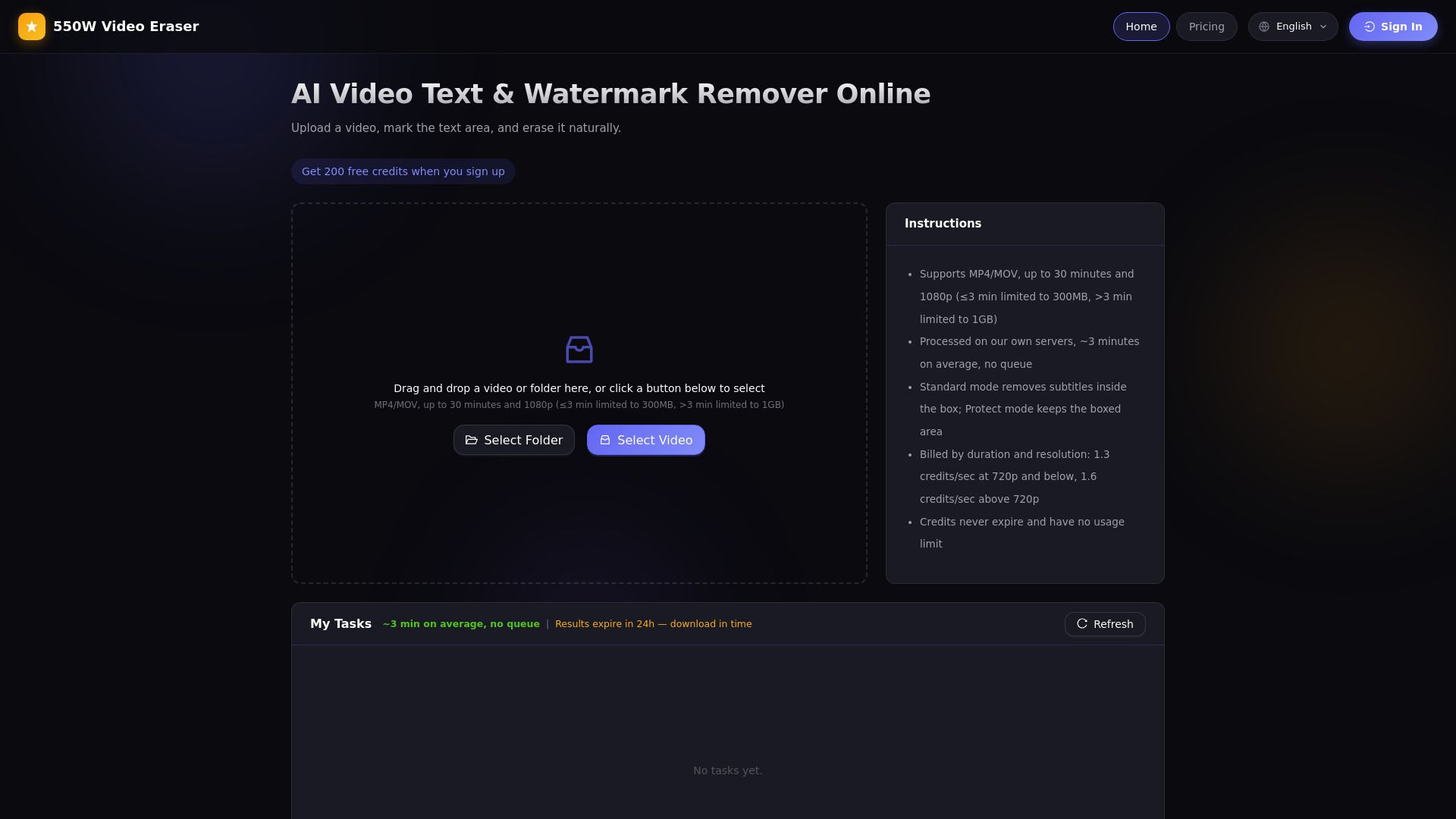
The 550W Video Eraser is an advanced tool designed to remove text overlays and watermarks from videos while restoring the background seamlessly. Utilizing deep-learning models specifically trained for text-overlay scenarios, it reconstructs hidden backgrounds at the pixel level, ensuring that natural motion and color are preserved. This innovative solution operates entirely within your browser, eliminating the need for software installation, and offers a pay-as-you-go credit system, allowing users to pay only for the processing they require.
Key features of the 550W Video Eraser include:
AI-driven background reconstruction using surrounding pixels and adjacent frames.
Support for MP4 and MOV video formats with H.264 encoding.
Capability to process videos up to 1080p resolution and 30 minutes in length.
Dedicated compute resources to avoid shared processing queues, enhancing speed and efficiency.
Flexibility to handle multiple videos with batch processing for matching resolutions.
550W Video Eraser Features
The 550W Video Eraser utilizes advanced AI technology to effectively remove text and watermarks from videos while reconstructing the hidden background using surrounding pixels and adjacent frames. This deep-learning model is specifically trained for text-overlay scenarios, ensuring that the results maintain natural motion and color fidelity. The processing is performed entirely in the browser, eliminating the need for software installation, and operates on a pay-as-you-go credit system, allowing users to only pay for what they process.
Key features and capabilities of the 550W Video Eraser include:
Support for MP4 and MOV video formats with H.264 encoding.
Ability to process videos up to 1080p resolution and 30 minutes in length.
Dedicated compute resources to avoid shared processing queues, enhancing speed and efficiency.
Batch processing capability for multiple videos with matching resolutions.
Flexible credit system with no subscription required.
Why 550W Video Eraser?
The 550W Video Eraser offers a unique advantage over traditional video editing tools by utilizing advanced deep-learning models specifically designed for text-overlay scenarios. This innovative approach allows the AI to reconstruct hidden backgrounds at the pixel level, ensuring that natural motion and color are preserved. As a browser-based solution, it eliminates the need for software installation, making it accessible and user-friendly.
With a pay-as-you-go credit system, users only pay for the processing they require, providing flexibility and cost-effectiveness. The 550W Video Eraser is particularly beneficial for those looking to remove text or watermarks from videos without compromising the quality of the original content. Key benefits include:
High-quality background reconstruction using AI technology.
Browser-based functionality for ease of use.
Cost-effective pay-as-you-go pricing model.
Support for various video formats and resolutions.
How to Use 550W Video Eraser
Welcome to 550W, where you can easily erase text and restore what was behind it. The 550W Video Eraser utilizes AI to reconstruct the selected area using surrounding pixels and adjacent frames. To get started, simply upload your video, select the text or watermark you wish to remove, and let the AI do the work. It's important to note that results may vary based on the occlusion size, background motion, and complexity of the scene.
For the best results, consider the following tips:
Use plain burned-in text for optimal outcomes.
Avoid opaque caption bars and large overlays that may hinder the AI's ability to reconstruct the background.
Semi-transparent watermarks are supported, but large opaque watermarks that cover significant image detail are not recommended.
Ready to see what 550W Video Eraser can do for you?and experience the benefits firsthand.
Key Features
How to Use
Visit the Website
Navigate to the tool's official website.